Forms that feel like
a real product.
Google Forms works. It just looks like 2013, and it has no idea your students have ChatGPT open in another tab. Formify is the version that fixes both of those things. Free.

Team feedback survey
/f/team-feedback-2024
How would you rate your experience? *
Any comments?
Why people switch
What you are actually missing when you use Google Forms.
Anti-cheat quiz protection
When a quiz taker switches tabs, Formify knows. Three strikes: first gets a warning overlay, second gets flagged, third auto-submits the quiz. No extensions, no software.
Real response analytics
Response table, per-field bar charts, violation logs. Export to CSV, Excel, or PDF. No buried settings, no analytics you have to pay to unlock.
Forms that look like a product
Progress bar, conditional field logic, custom thank-you pages. Your form should feel like a product. Most people stopping halfway through is a design problem.
9 field types
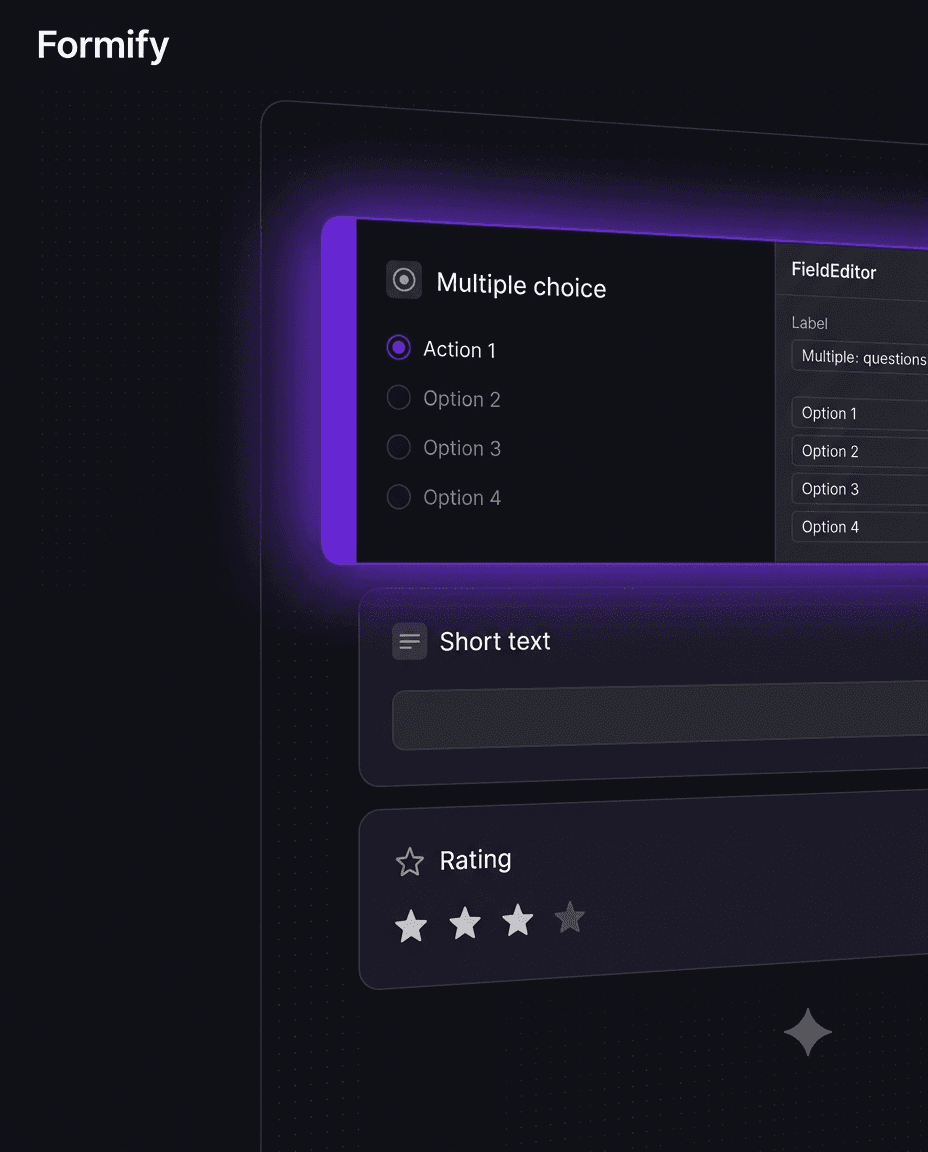
Short text, long text, multiple choice, checkboxes, dropdown, date, rating, section breaks. Drag one in, done.
Progress bar
People abandon forms when they cannot tell how long they have left. The progress bar fixes that. You can turn it off per form if you want.
Conditional logic
If someone says they prefer email, skip the phone number field. Built in. Not a paid tier.
How it works
Three steps and you are collecting responses.
01
Build your form
Drag fields onto the canvas. Add conditional logic, set a quiz mode, configure focus monitoring. Takes a few minutes.
02
Share a link
Publish it, copy the /f/your-slug link, send it. The fill page runs in any browser and looks nothing like Google Forms.
03
See your data
Responses land in a table. Charts show up automatically for choice fields. Export to CSV, Excel, or PDF whenever you need it.


It is free. Make a form.
No credit card. No expiry. When we go public you will get to choose a plan, but that is not today.
Get started — it is free